
1. What Is Parallels and Why It Matters Today
Parallels is a leading software solution designed to help users run multiple operating systems on a single device without sacrificing performance or convenience. Best known for enabling Windows applications to run smoothly on macOS, Parallels has become an essential tool for professionals, developers, students, and businesses that rely on cross-platform compatibility. In a world where digital workflows often span multiple operating systems, Parallels offers a practical and efficient bridge between them.
The software removes the traditional barriers between macOS, Windows, and other environments. Instead of rebooting or managing multiple machines, users can work within one unified system. This flexibility makes Parallels especially valuable for those who need access to specialized applications while maintaining a streamlined workflow.
2. Core Features and How Parallels Works
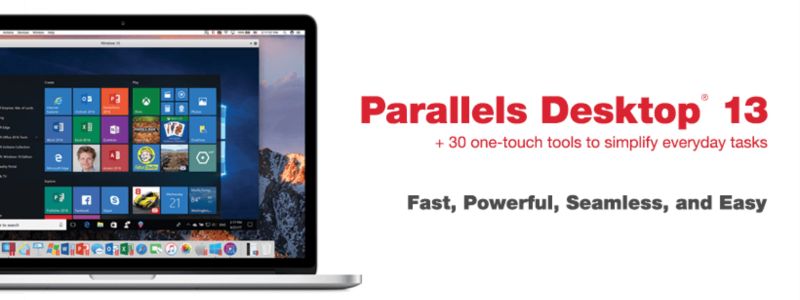
At its core, Parallels uses advanced virtualization technology to allow different operating systems to run simultaneously on one computer. Once installed, users can launch Windows or other operating systems directly from their desktop, switching between environments as easily as opening an app. This seamless experience eliminates downtime and simplifies daily tasks.
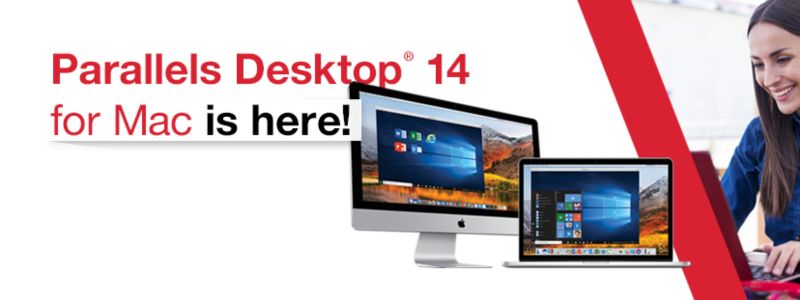
Parallels also offers deep system integration. Windows applications can appear alongside macOS apps, share files effortlessly, and even use the same peripherals. Features like drag-and-drop file sharing, shared clipboard, and synchronized folders make working across systems feel natural rather than technical. The result is a smooth and intuitive user experience that minimizes complexity.
3. Performance, Speed, and Reliability
Performance is one of Parallels’ strongest advantages. The software is optimized to take full advantage of modern hardware, including multi-core processors and advanced graphics capabilities. This ensures that demanding applications run efficiently, whether users are working on design projects, coding environments, or data-intensive tools.
Reliability is another key factor. Parallels is regularly updated to support the latest operating systems and hardware developments. Stability enhancements and security updates help ensure consistent performance over time. For users who rely on uninterrupted productivity, this level of reliability is essential and sets Parallels apart from many alternative solutions.
4. Use Cases for Individuals and Businesses
Parallels serves a wide range of users across different industries. For individual users, it provides the flexibility to run essential Windows-only software without giving up macOS. This is particularly useful for students, creatives, and freelancers who need access to specific tools for coursework or client projects.
Businesses also benefit greatly from Parallels. IT teams can simplify device management, reduce hardware costs, and support diverse software requirements within one system. Developers use Parallels to test applications across multiple operating systems, while corporate teams rely on it to maintain compatibility with legacy software. These use cases highlight the software’s adaptability and practical value.
5. Security, Updates, and User Experience
Security is a critical consideration when running multiple operating systems, and Parallels addresses this with robust safeguards. The software includes features that isolate virtual machines, helping protect data and prevent vulnerabilities from spreading between environments. Regular updates further enhance security and ensure compliance with modern standards.
From a usability standpoint, Parallels is designed to be accessible even to non-technical users. The setup process is straightforward, and built-in guides help users configure their systems with minimal effort. This balance of security and simplicity makes Parallels appealing to both beginners and experienced users alike.
6. Why Parallels Is a Smart Choice for Cross-Platform Work
Parallels stands out as a reliable and forward-thinking solution for anyone who needs flexibility across operating systems. By combining strong performance, seamless integration, and user-friendly design, it removes many of the traditional challenges associated with virtualization. Users can focus on their work rather than on technical limitations.
As work environments continue to evolve and demand greater adaptability, Parallels offers a future-ready approach to productivity. Whether used for personal tasks or professional projects, the software empowers users to work smarter, faster, and more efficiently across platforms.

